
Phone Screen Repair: What Genuine, Refurbished and Aftermarket Parts Mean for Your Phone
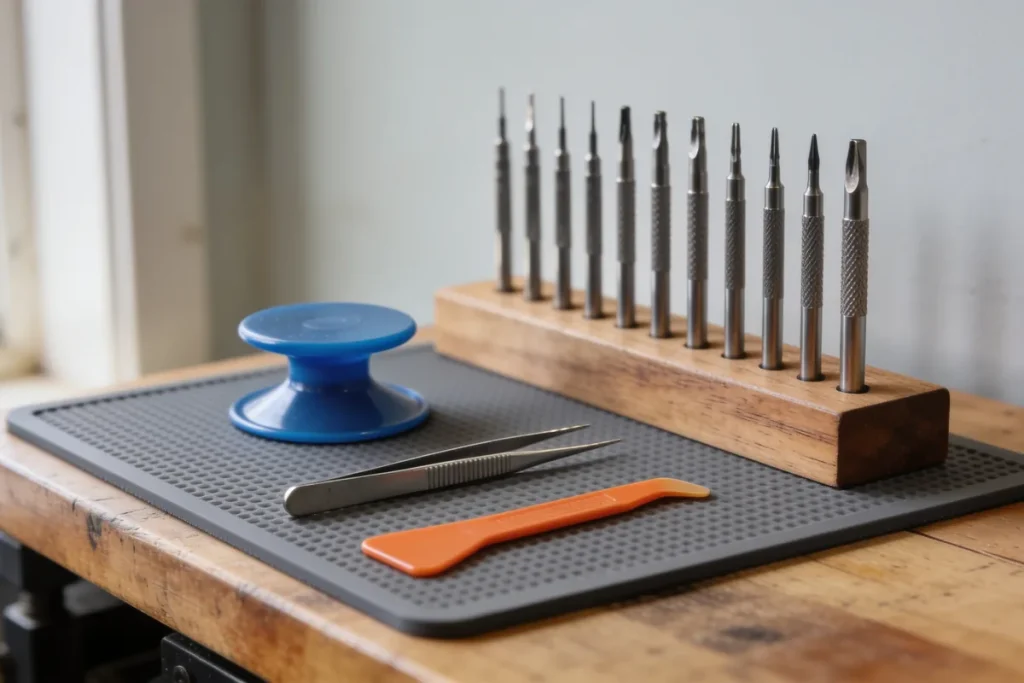
The repair counter sits between a bakery and a shop that sells phone cases, in the kind of shopping strip every regional town has, where the car park is always half full and someone is always waiting for a lift. On the counter is a laminated card, a little curled at the corners, with three prices for a screen replacement on your model. You slide your phone across, the spiderweb of cracks catching the light, and the person behind the counter asks which one you’d like. The cheapest and the dearest both say “screen replaced”. What the card does not say is what kind of screen goes in, and that is the part that decides how your phone looks, feels and lasts afterwards. It is the same habit that helps when comparing quotes for plantation shutters: find out what each price includes before you weigh one against another.
Three grades, in plain words
Ask enough repairers and you will hear the same three words. They are trade terms rather than legal categories, and shops do not always use them in exactly the same way, so it is worth asking what each one means at the counter in front of you.
Genuine. A part made by or for the phone’s maker, usually fitted through the maker’s own repair channel or its authorised providers.
Refurbished. An original screen that has been reused, sometimes taken from another phone and sometimes re-glassed with a new front panel. You may also hear “pulled”, for a screen taken out of another handset, or “service pack”, a term some repairers use for original parts supplied for repairs.
Aftermarket. A screen made by a third party to fit your model. It is usually the cheapest line on the card, and the one where it pays most to ask questions.
None of these is automatically the wrong choice. An older phone you plan to hand down to a child might be a fair candidate for the cheapest part. A phone you rely on for work, or plan to trade in next year, might not be. The point is to choose knowingly, with the grade written on the receipt.
To picture how that plays out, imagine two people at the same counter on the same afternoon. The first is a grandmother whose old phone is going to a grandson for games and the odd call home. She takes the aftermarket line, and that’s a sensible call. The second is a tradie who answers quotes on his iPhone all day and plans to trade it in when his contract ends. For him, a screen that responds poorly in one corner, or an Unknown Part that might affect his trade-in value, costs more than the saving. Both of them made a good decision from the same card.
What a non-genuine screen can change
Apple is unusually direct about this, at least for its own phones. In its support guidance on genuine iPhone displays, it lists what can happen when a display is not genuine:
- Multi-Touch may not respond on parts of the screen, or may respond poorly
- True Tone may stop working, and the maximum brightness may be lower
- Colour calibration may be off, so the screen looks different from how it should
- The battery may drain unintentionally
That is Apple speaking about iPhones. It is not a promise that every aftermarket screen will cause every problem, and it does not describe other brands. Android phone makers publish their own guidance, and it differs from one maker and model to the next. If your phone is not an iPhone, ask the repairer what the part grade will mean for your particular model, and listen for whether the answer is specific or vague.
I spent six years sitting in small shops across regional Victoria, and the owners I came to trust were the ones who raised the trade-offs before I had to ask. A repairer who talks you through the part grade without prompting is doing you a favour.
How to check what went in
On recent iPhones there is a way to see for yourself. Apple explains that on iPhone 11 and later, other than the iPhone SE 2nd and 3rd generation, you can go to Settings > General > About and look for Parts and Service History. If the display is genuine, it will say “Genuine” next to Display. If it is not, or it cannot be verified, it may show “Unknown Part”.
Apple adds a practical note: an Unknown Part might affect the phone’s trade-in value. If you are planning to trade in or sell your phone, that is worth knowing before you choose the cheapest line on the card.
So here is a small request to make at the counter. Before you pay, ask to see that screen in Settings with the new display fitted. A shop that fitted what it said it would should have no trouble showing you.
If your phone is not an iPhone, or is an older one, there may be no equivalent screen in Settings to check. Then the receipt becomes your record. Ask for the part grade to be written on it in the shop’s own words, so that if the screen starts misbehaving a month later, you have something to point to when you walk back in.
Water resistance after a repair
Many phones are sold with some resistance to splashes, water and dust, and it is natural to wonder whether that survives a screen replacement.
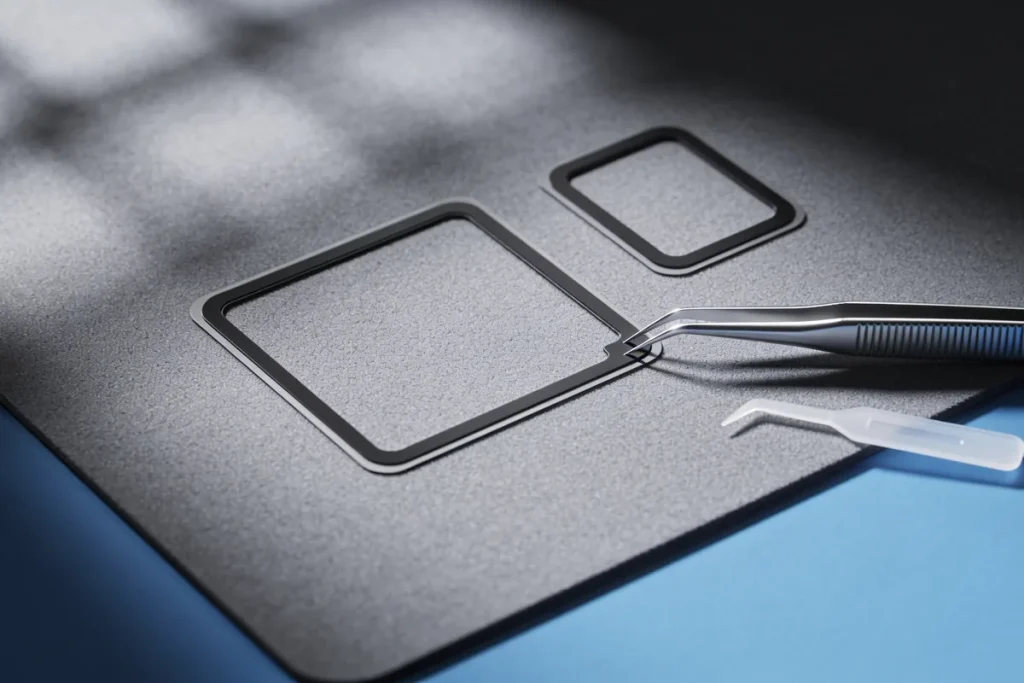
Apple’s guidance on its own phones is careful here. It says splash, water and dust resistance are not permanent conditions, and that resistance may decrease as a result of normal wear. It also says liquid damage is not covered under its warranty, although your rights under consumer law may still apply.
What happens to water resistance after any particular repair depends on how the phone is reopened and sealed again. So ask two things. Will the shop replace the adhesive seal when it closes the phone up? And what, if anything, does it promise about water afterwards? A straight answer, even if the answer is “we make no promises about water”, is better than a vague one.
Your rights after a third-party repair
This is where a lot of people worry, and where the law is more on your side than you might think.
In 2017, the ACCC took action against Apple over alleged misleading representations about consumer guarantees, in the matter that became known as “error 53”. In announcing the action, ACCC chair Rod Sims said that having a product repaired by a third party could not, by itself, extinguish a consumer’s rights under the consumer guarantees.
That is worth holding onto. Choosing a local repairer over the maker does not, on its own, take away your consumer guarantee rights on the phone.
There are limits. Those rights may not cover a fault that the repair itself caused. If a third-party screen fails, or the repair damages something else, that becomes a matter between you and the repairer. And the repairer owes you its own guarantee: under consumer law, a service has to be provided with due care and skill. Any warranty the shop offers on its work is an extra promise on top of that.
Before you hand it over
A few small steps make the whole thing smoother:
- Back up your phone first, if it still turns on
- Remove the SIM card if the shop asks you to
- Note any existing scratches or dents, so nobody is confused later
- Ask for the part grade and the warranty in writing, on the quote or the receipt
- Ask how long it will take, and whether the repair is done on the spot or sent away
If you are still choosing where to go, the directory’s computer support listings include local repairers, and it is worth ringing two or three before you decide. Ask each one the same questions about the part grade and the warranty, and notice which ones answer without hesitating. In a town where most people know someone who has had a phone fixed, the counter that explains itself plainly is usually the one that gets the next recommendation.
Questions people bring to the counter
Can I trade in an iPhone with an aftermarket screen? Apple’s own guidance is that an Unknown Part might affect the phone’s trade-in value. “Might” is the word to notice. It doesn’t say the trade-in will be refused, and it doesn’t put a number on it. If trade-in is part of your plan, that uncertainty is a reason to ask for a genuine part, or at least to price the difference before you choose.
Is an aftermarket screen any good? Sometimes it is, and sometimes it isn’t, and the people who fix phones for a living don’t all agree. That’s why the grade on the receipt matters. If an aftermarket screen turns out to be one of the poor ones, the receipt is how you show the shop what it fitted.
How long does a screen repair take? It varies from shop to shop, and from model to model, which is why it’s on the list of things to ask. The useful question is whether the repair is done on the spot or sent away, because a phone that leaves the building is a phone you’ll be without for longer.
The Part Is the Price
On that laminated card, the three prices look like three versions of the same job. They are closer to three different screens. A genuine part costs what it costs because of what it keeps: the touch, the colour, the brightness and, on an iPhone, the “Genuine” line in Settings. An aftermarket part may do the job well enough, or it may not, and you may not find out which until you have been using it for a while. Ask which grade you are getting, ask to see it confirmed, and get it in writing. Then choose the price with your eyes open, knowing your consumer rights come with you whichever counter you walk up to.
Sources: Apple Support, About genuine iPhone displays, 2026 (https://support.apple.com/en-au/103256); Apple Support, About splash, water and dust resistance of iPhone 7 and later (https://support.apple.com/en-au/108039); ACCC, ACCC takes action against Apple over alleged misleading consumer guarantee representations, 2017 (https://www.accc.gov.au/media-release/accc-takes-action-against-apple-over-alleged-misleading-consumer-guarantee-representations)